Free menubar app for macOS

Today, in the calendar you live by.تاریخ شمسی، همیشه بالای صفحه

jDate puts the Jalali date in your Mac’s menubar, with the Gregorian and Hijri dates one click away. It also shows Iranian holidays, your own calendars, birthdays, weather and world clocks.

Download jDate 8.2.dmg · macOS 15 Sequoia or later

Open source under GPL v3 · Source on GitHub

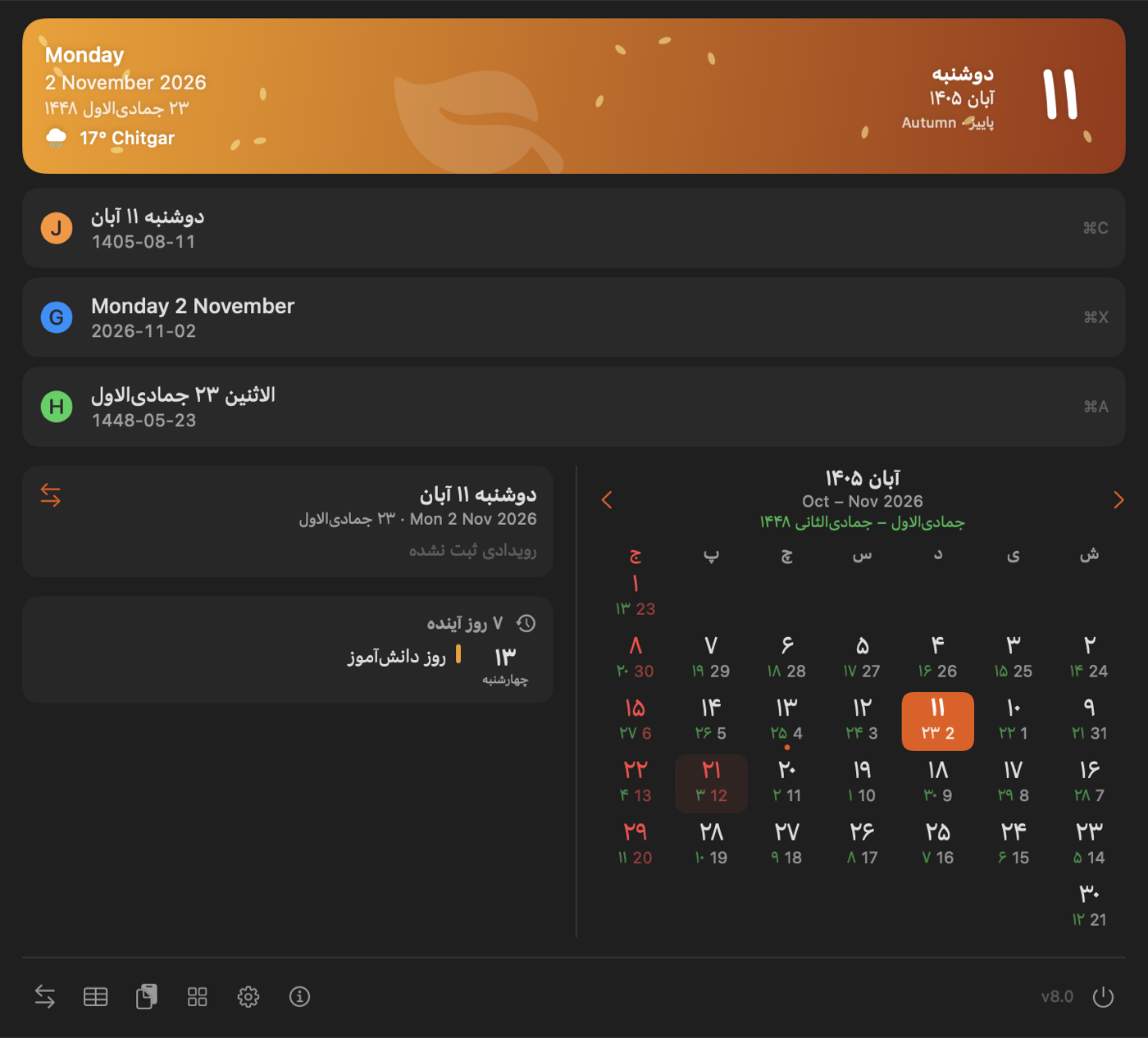
One click on the date opens everything.

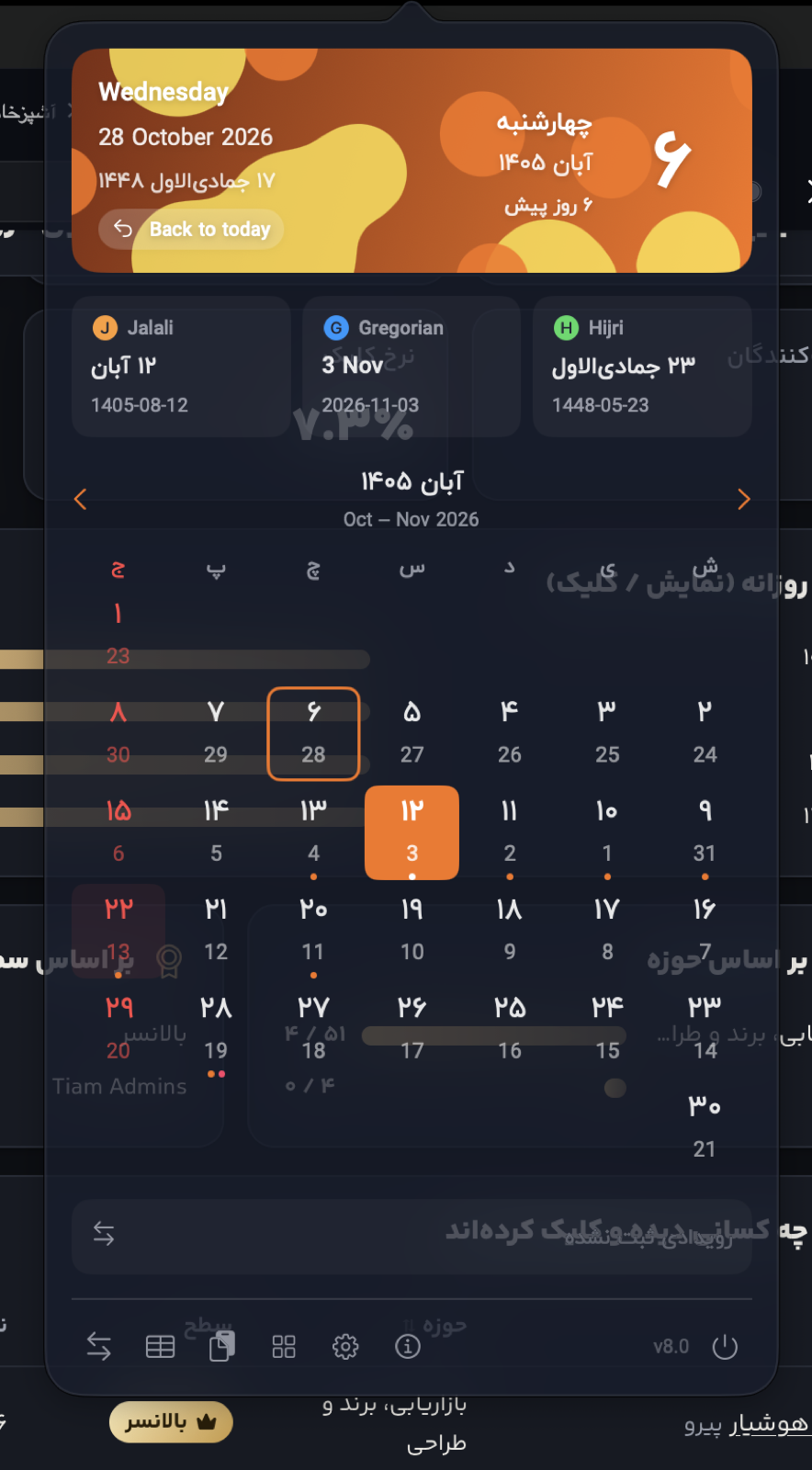
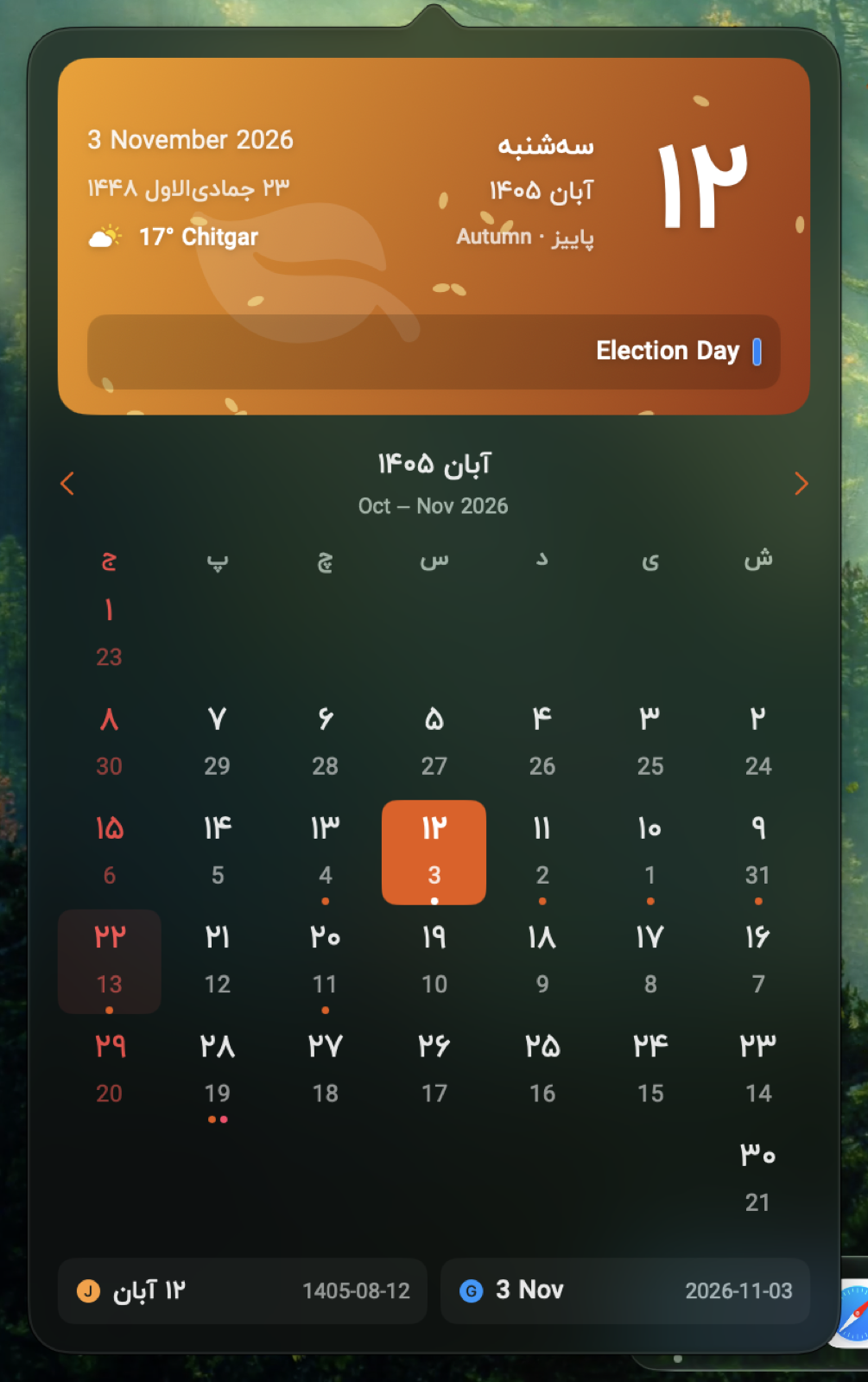
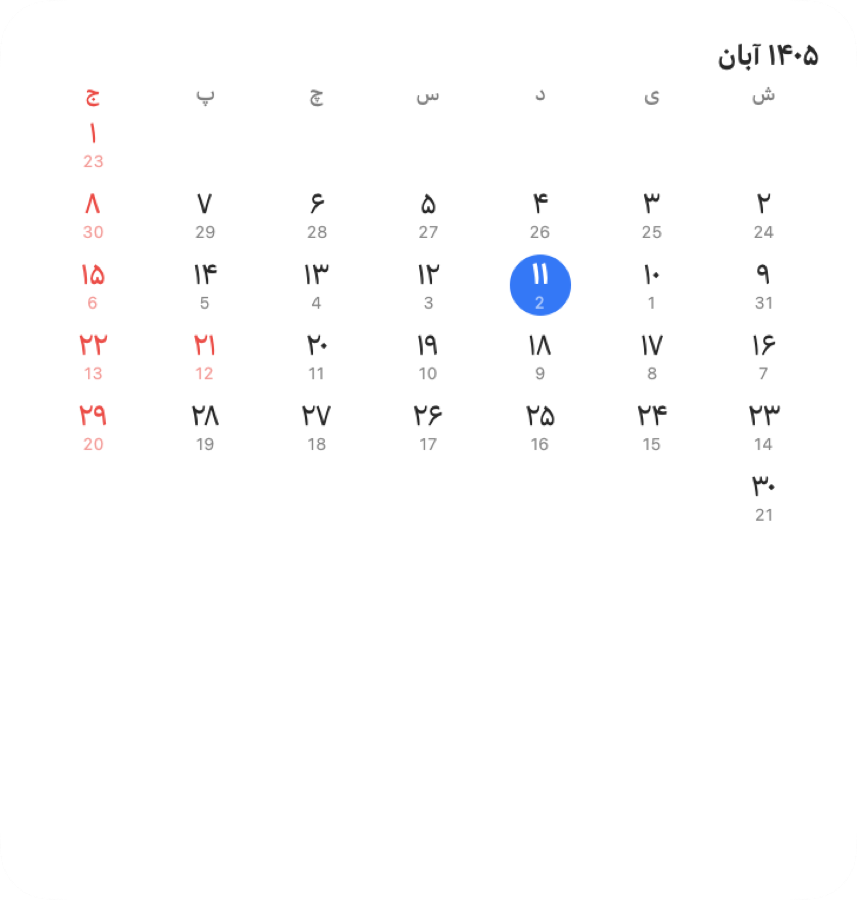
The popover shows the month with holidays in red and the Gregorian and Hijri day under each date. Click a day to see what’s on it. Want more room? Switch to the wide layout, with the calendar and events side by side.

jDate's wide popover: header with today's date in three calendars, the Jalali month grid, and the selected day's events

What jDate does

No account and no tracking. The holiday calendar is built in, so it works without internet.

سه تقویم

Jalali, Gregorian, Hijri

All three dates at a glance. Click one to copy it, or use ⌘C, ⌘X, ⌘A.

تعطیلات رسمی

Iranian holidays

Solar and lunar holidays, Yalda, Chaharshanbe Suri and more, with an adjustable Hijri offset.

رویدادها

Your calendars

Google, iCloud and others through macOS Calendar, plus public ICS subscriptions.

تولدها

Birthday reminders

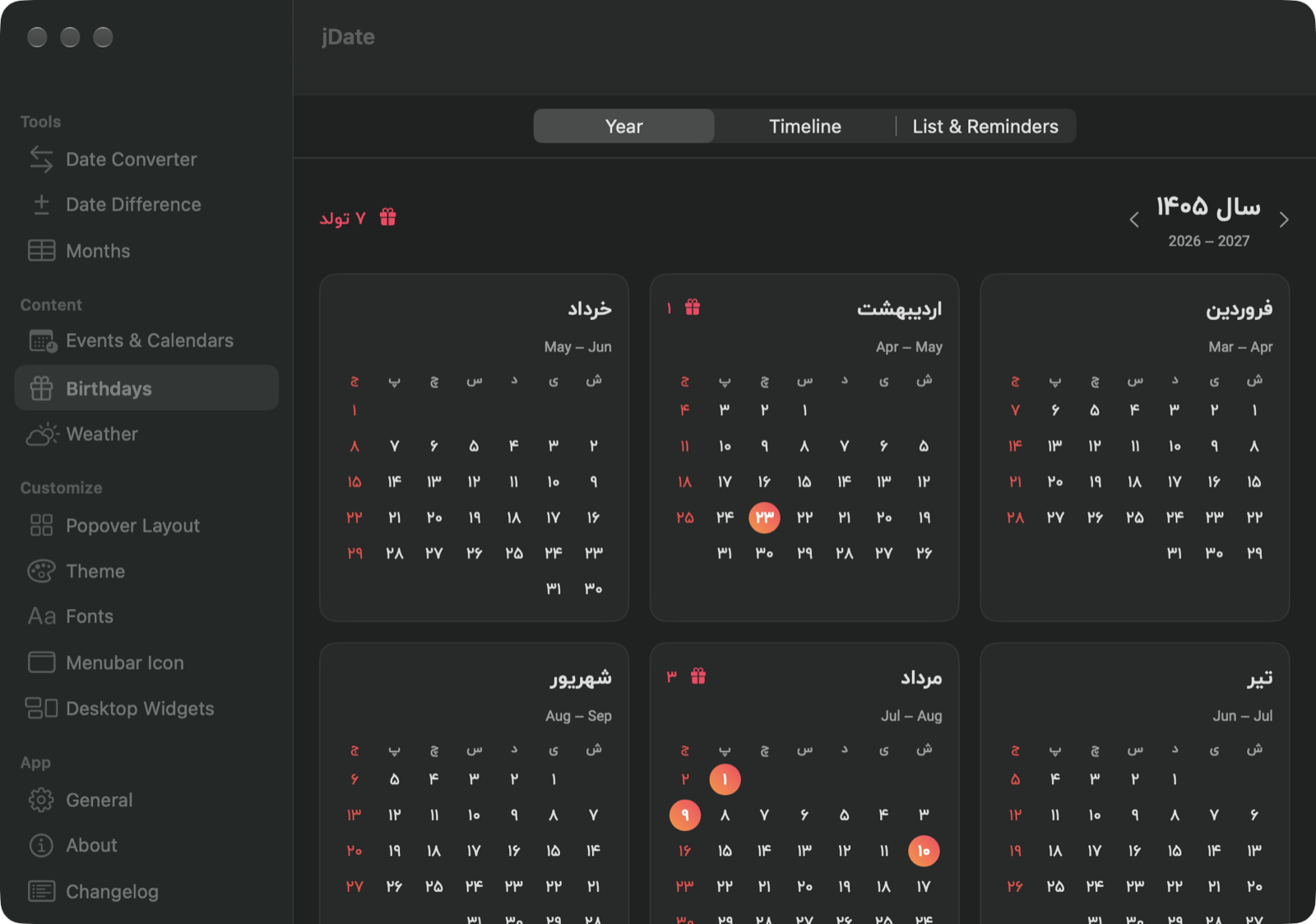
From Contacts or your own list, in any of the three calendars, with a notification on the day, a year calendar and a timeline.

آب‌وهوا

Weather and forecast

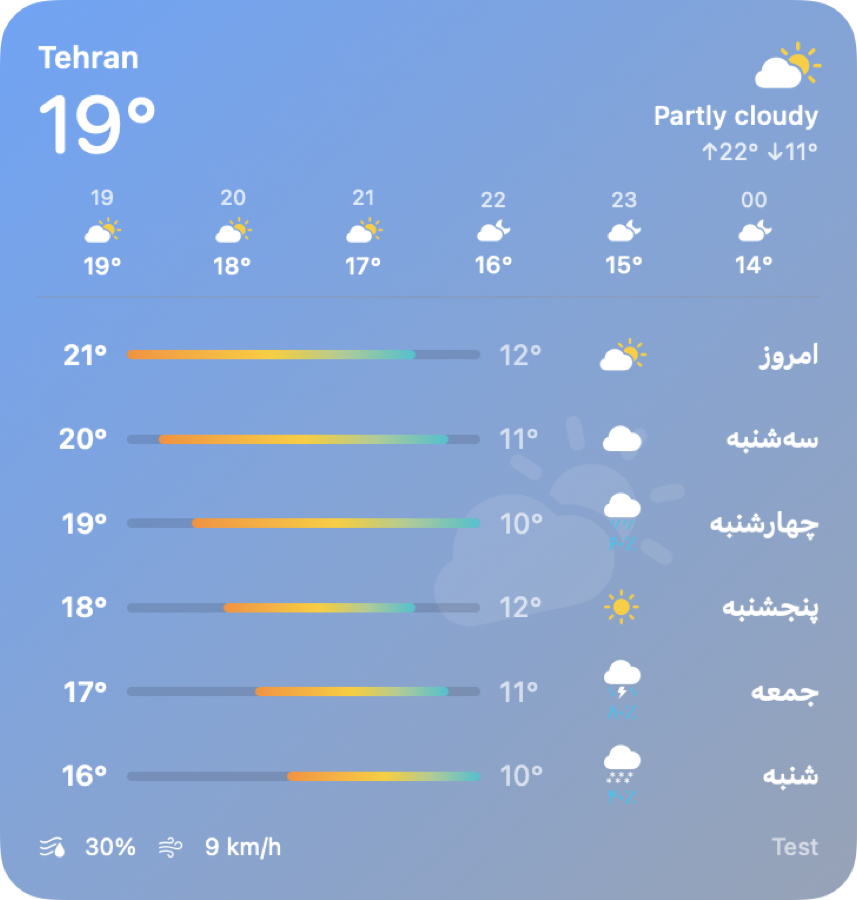
Five to seven days from Open-Meteo, MET Norway, wttr.in, OpenWeatherMap or WeatherAPI.

ابزارک‌ها

Desktop widgets

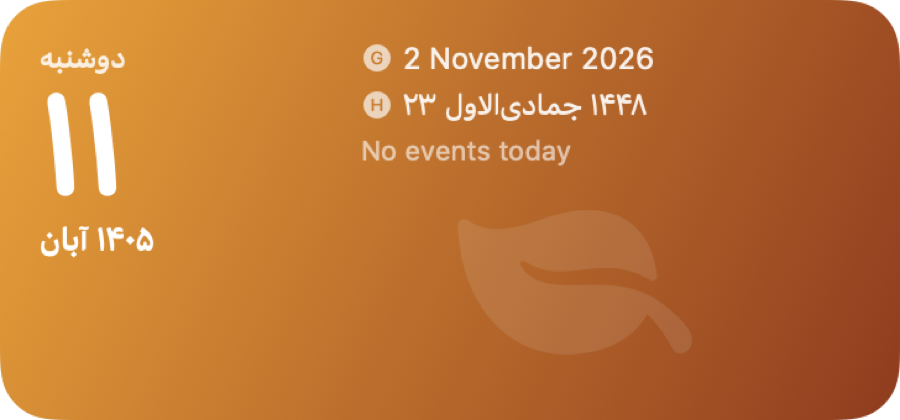
Today, Month, World Clock, Upcoming, Weather and Countdown, for the desktop or Notification Center.

ظاهر

Themes and fonts

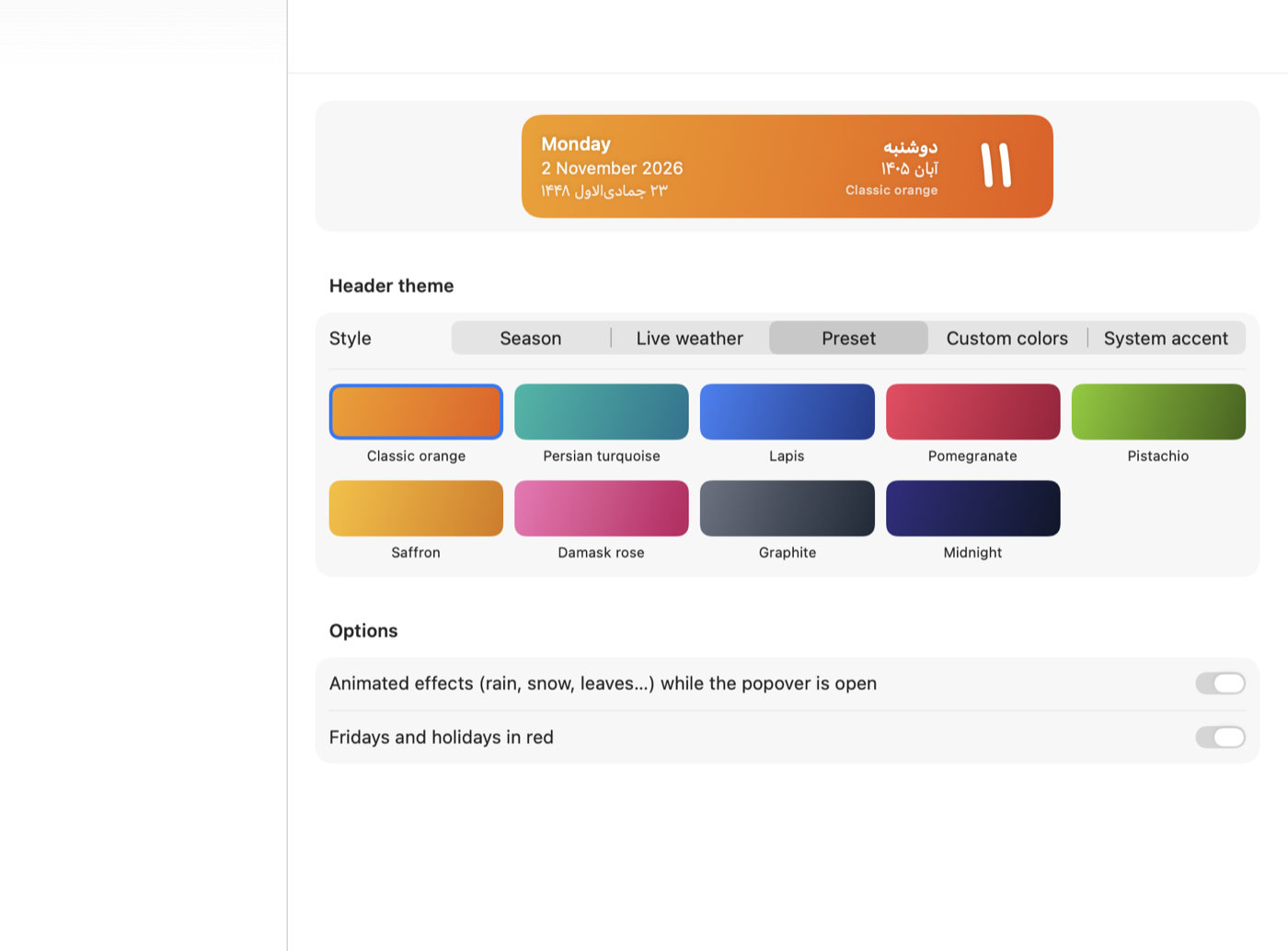
Seasonal, weather and animated headers, your own photo or video, and any font installed on your Mac, Persian fonts first.

مناسبت‌ها

Occasion themes

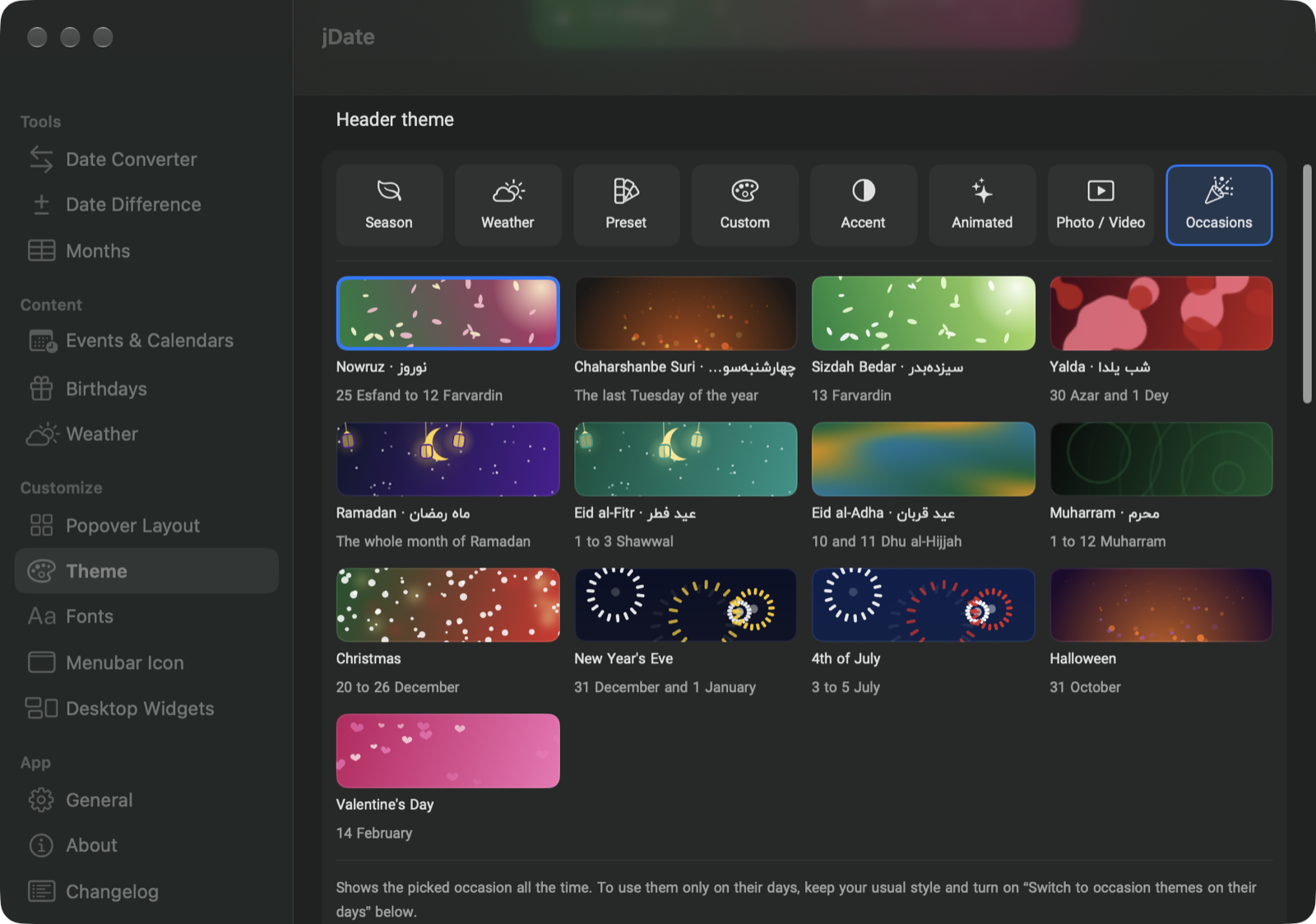
Nowruz, Yalda, Ramadan, Christmas, the 4th of July and more switch on by themselves on their days.

رنگ تعطیلات

Your weekend

Pick the color for holidays and weekends, and which days are the weekend: Friday, Thursday and Friday, or Saturday and Sunday.

شیشه‌ای

Liquid Glass background

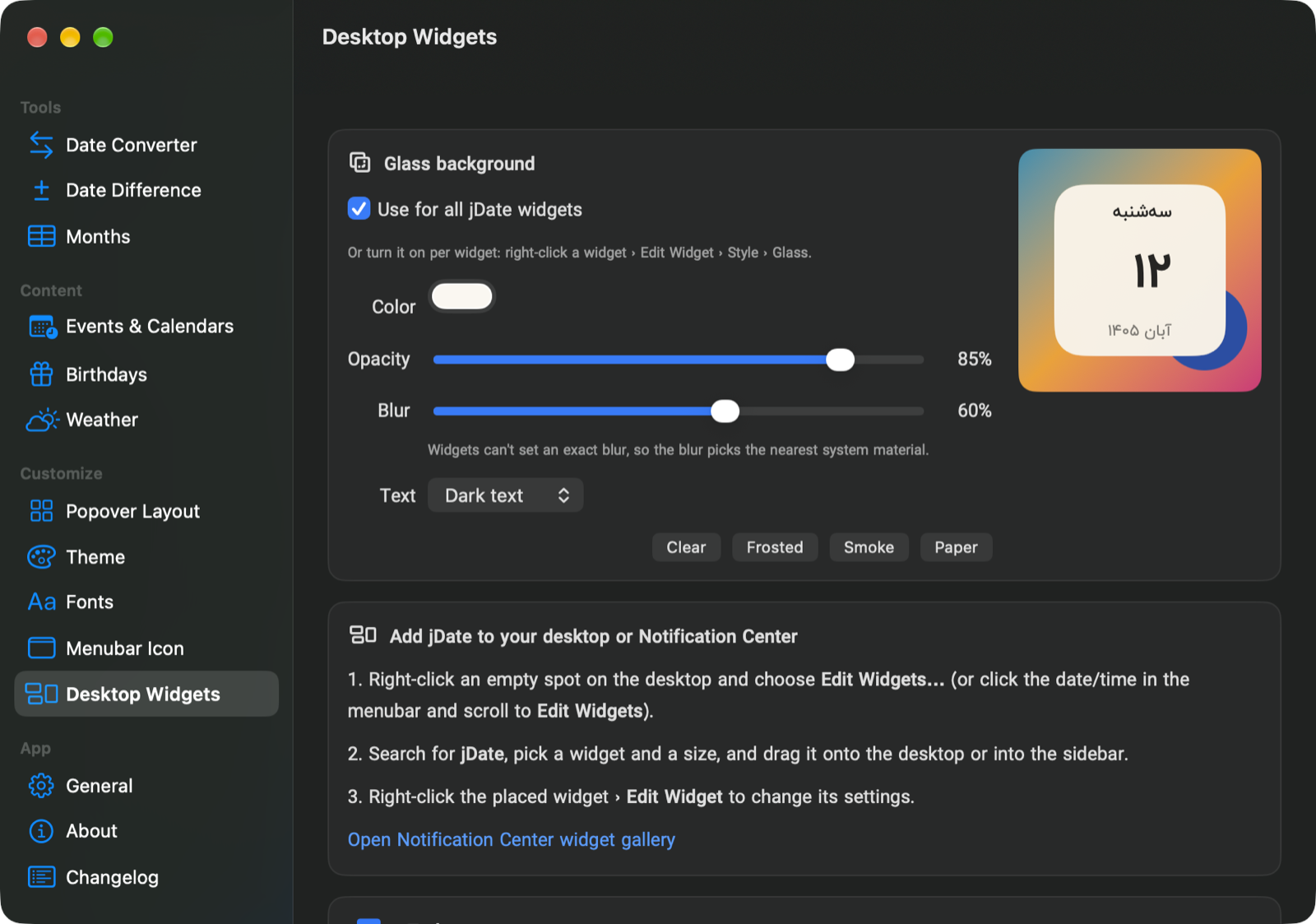
Set the popover and widget color, opacity and blur, from see-through to frosted, like Terminal. One click copies Terminal’s Pro look.

سربرگ

Your header

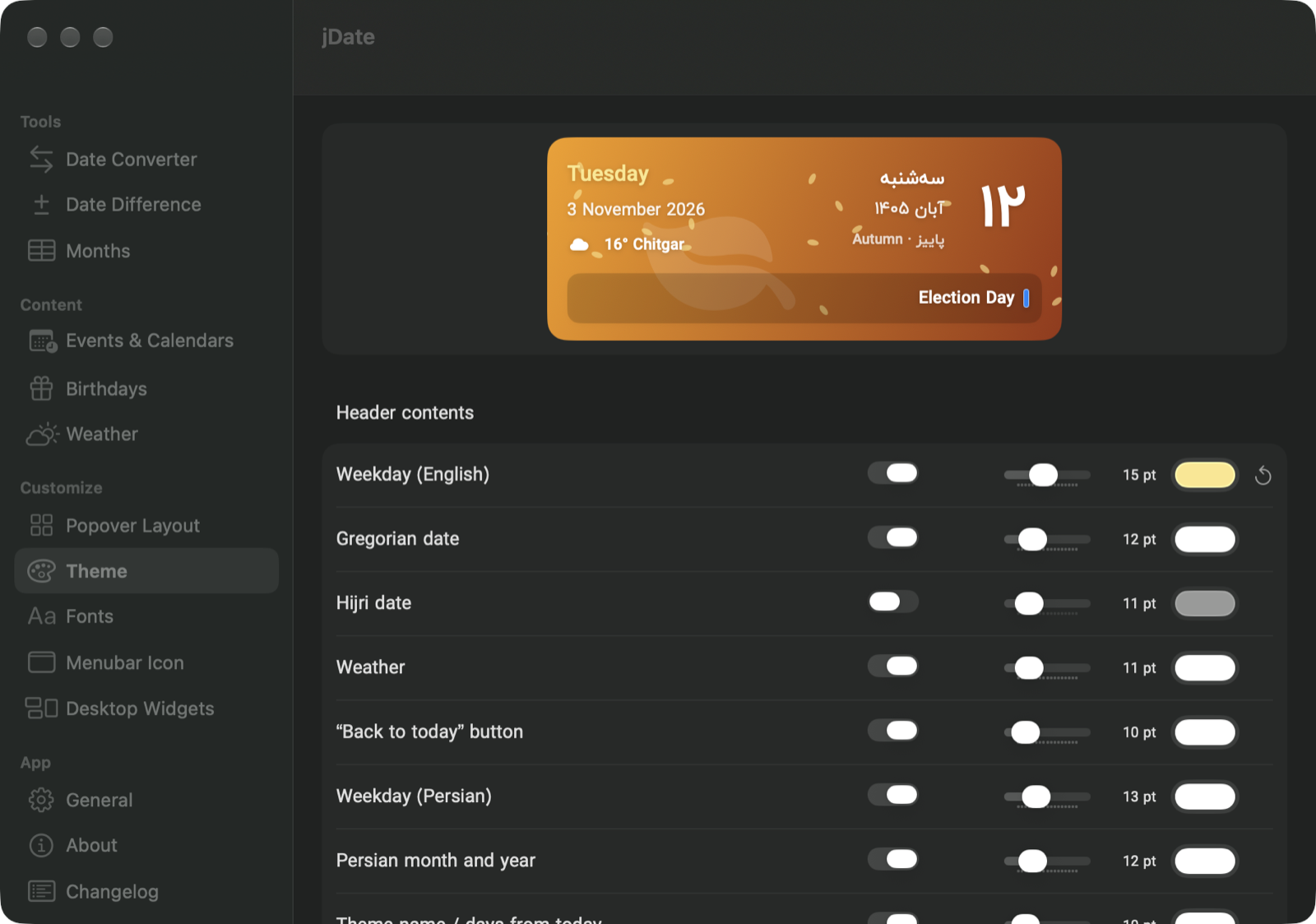
Show or hide each line of the header, set its size and color, and see the picked day’s events right in it.

روز انتخابی

Follows your click

Click a day and the header, the date tiles and the copy shortcuts all switch to it. Click the header to go back to today.

جمع‌وجور

Compact popover

One-line date tiles with less padding, and the button bar at the bottom can go. Its shortcuts keep working.

آیکن منوبار

Menubar icon designer

Pick a shape and colors, and write your own date format for the menubar.

ابزارها

Converter and more

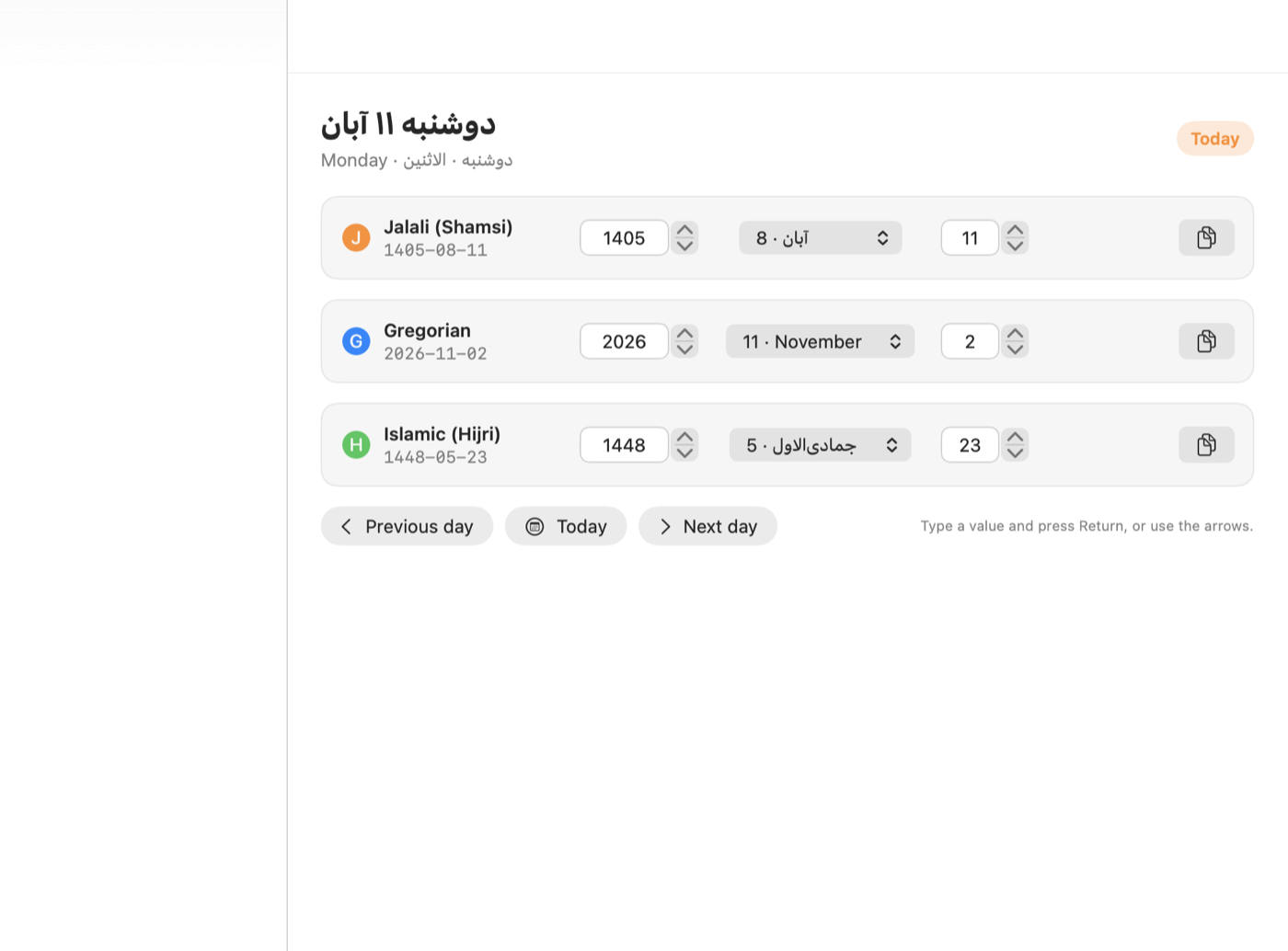
Date converter, date difference, world clocks, a global shortcut (⌃⌥J) and launch at login.
A header for every day

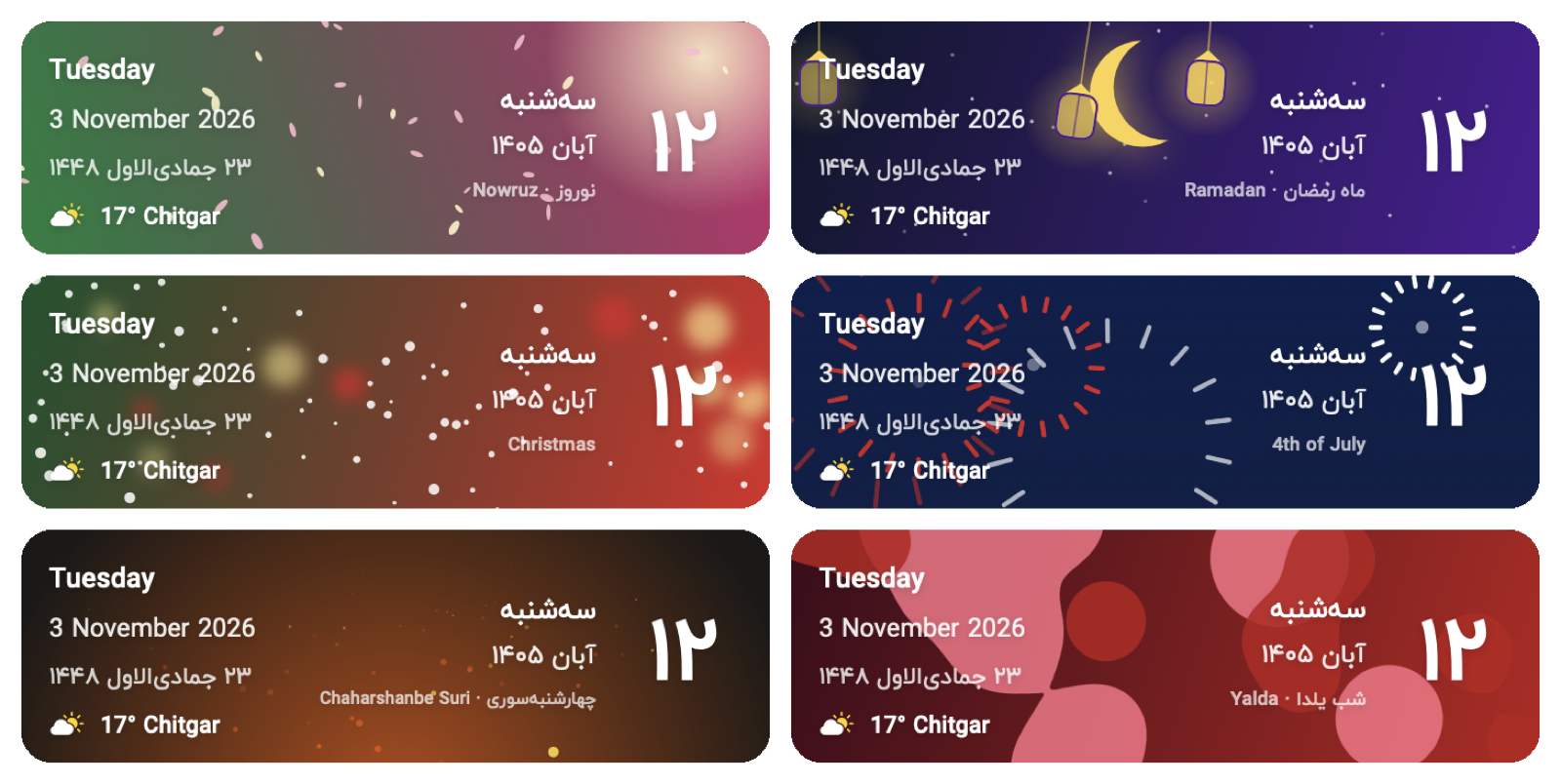
Thirteen occasion themes, from Nowruz blossoms and Ramadan lanterns to Christmas snow and 4th of July fireworks. They turn on during their days and go back to your own style after. You can also pick one of thirteen animated styles with your own colors, or use a photo or a looping muted video.

Six occasion headers: Nowruz, Ramadan, Christmas, 4th of July, Chaharshanbe Suri and Yalda

New in 8.2

The popover is real Liquid Glass now, and blurs your desktop the way Terminal does, with a preset that matches Terminal’s Pro profile. Birthdays get a year calendar and a timeline. You choose every line of the header, its size and color, and the date tiles copy whichever day you click.

Make it yours

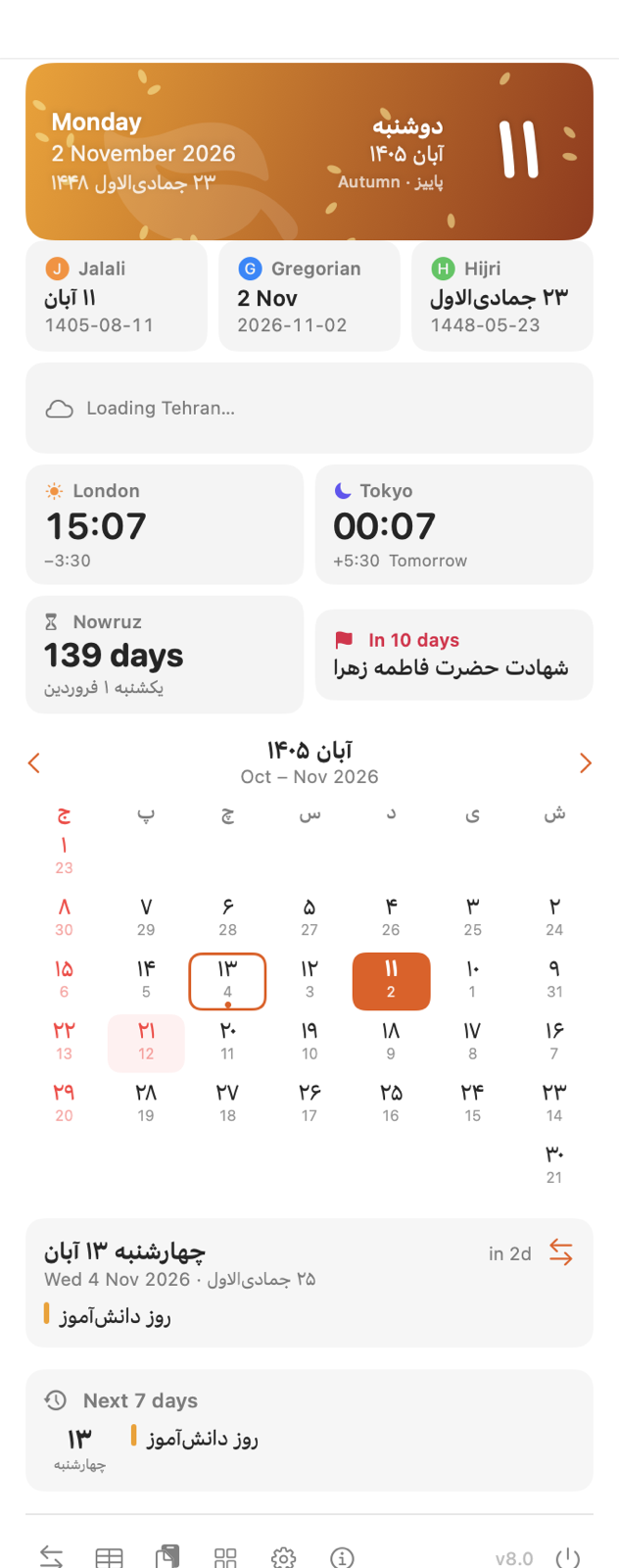
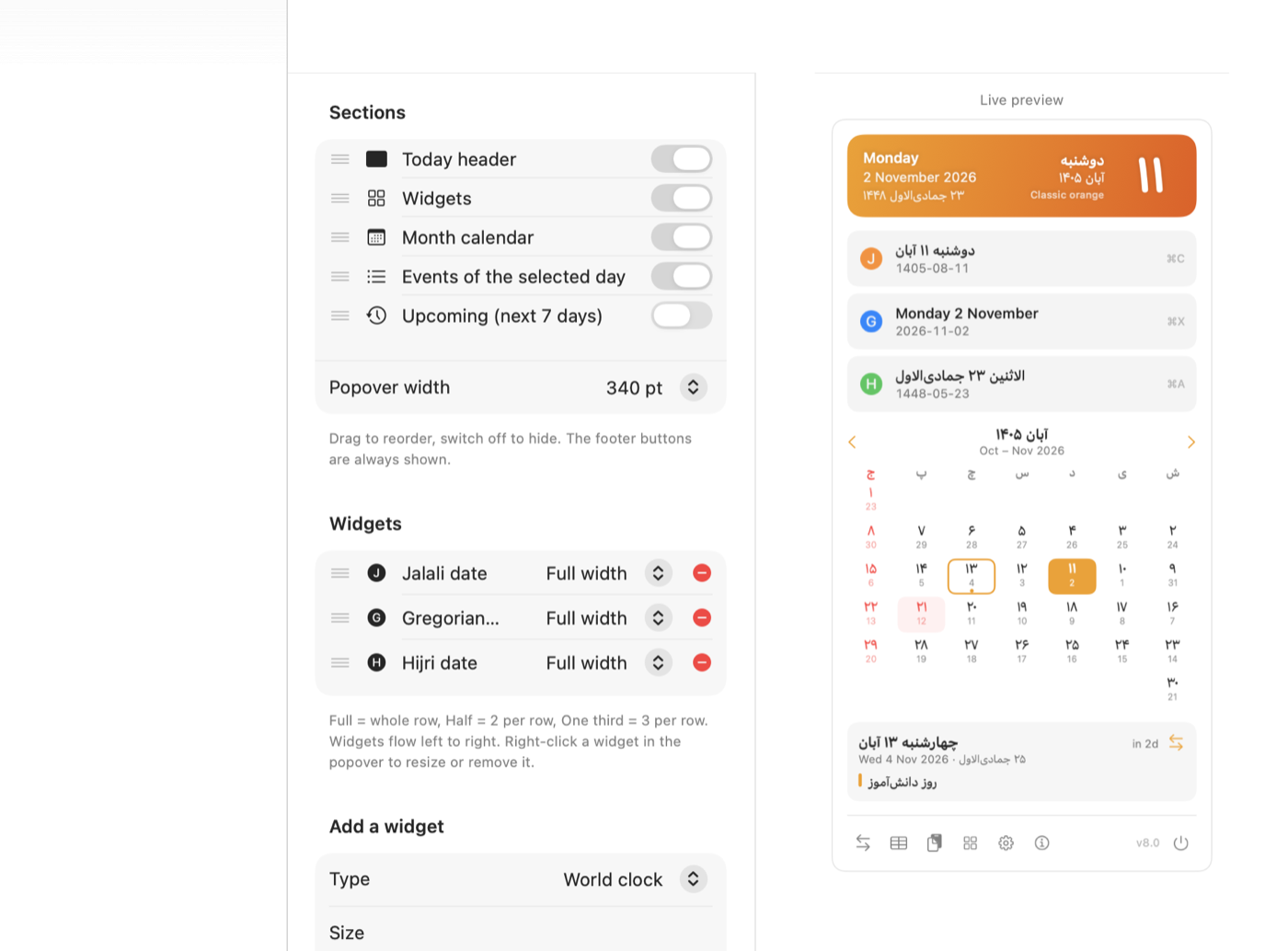
Show, hide and reorder every part of the popover, size each widget to full, half or a third, and preview the result as you go.

Desktop widgets

Right-click your desktop, choose Edit Widgets and search for jDate.

Today widget Weather widget with forecast Month widget

Since ۱۳ آبان ۱۴۰۳

jDate was first released on 3 November 2024, the date on its icon. Full changelog.

  1. 8.2

    Liquid Glass popover with a Terminal preset, birthday year calendar and timeline, header contents, events in the header, one-line date tiles, hide the button bar.

  2. 8.1

    Occasion and animated headers, photo or video headers, glass popover and widgets, your own holiday and weekend colors.

  3. 8.0

    Events, birthdays, weather, world clocks, themes, desktop widgets, fonts, a wide layout and a new icon.

  4. 7.0

    New SwiftUI popover, app window with converter and settings, launch at login.

  5. 6.0

    Date converter across all three calendars.

  6. 5.0

    Hijri date and offset, month name tables.

  7. 3.0

    Gregorian date beside the Jalali date, copy shortcuts.

  8. 1.0

    The Jalali date in the menubar.

Put the Jalali date in your menubar.

Download jDate 8.2.dmg · macOS 15 Sequoia or later

Drag it into Applications. If macOS blocks the first launch, right-click the app and choose Open.